A photo wall for your birthday or party
Your guests scan a QR code, send their photos and 15-second videos, and everything scrolls on the screen while the party carries on. The photos no longer stay stuck in thirty phones.
Request access See how it works
Our hosted service is free, by invitation.
A party where everyone takes photos and nobody shares them
The day after a party there are thirty different albums, and none of them has everything. People promise to send the photos around, and almost never do.
With EventSlide there is one place: everyone sends photos during the party, they show on screen for all to see, and you get them all together the next day.
You are the host and have no time to take pictures. Your friends do it for you.
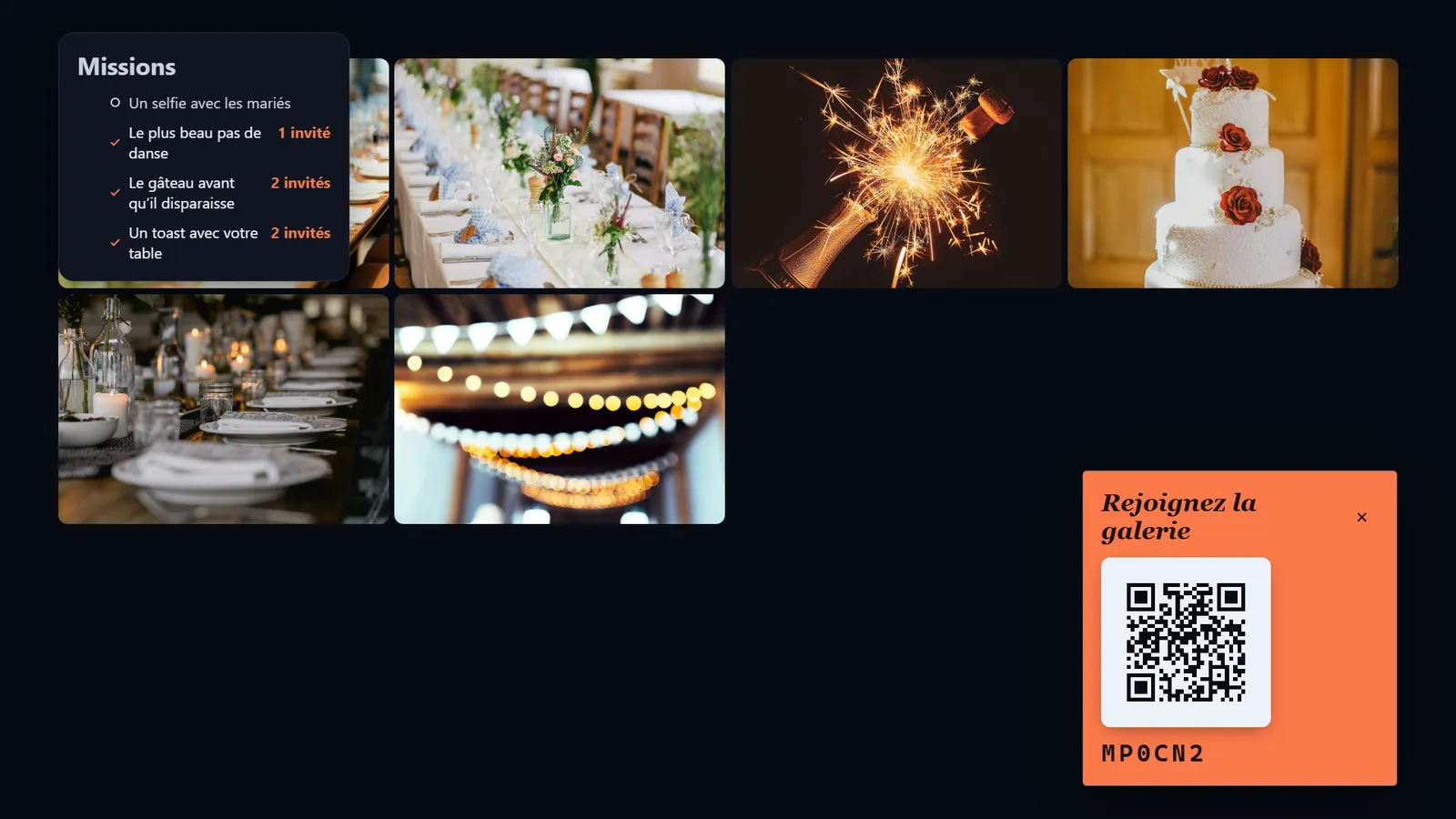
How the evening unfolds
A birthday has no fixed programme. Here is how the wall slips into it.
On arrival
A small sign, a QR code
Put it by the door or near the buffet. People scan while hanging up their coats, before they even have a drink.
Drinks
The first selfies
Reunions, funny faces, the gang in front of the garland. As soon as the screen fills up, the hesitant ones join in when they see their friends on it.
The cake
Candles, the song, 15 seconds of video
It is the moment everybody films. You do not have to ask: the phones are already out.
Surprises
A friend’s toast, the guest who just walked in
The face of the birthday person discovering the room: that kind of photo only exists if someone was ready.
Dance floor
The missions kick in
Between two songs, photo challenges follow one another. The guests who dance are also the ones taking pictures of themselves.
Next day
Everyone gets everything
Send one link to the party’s group chat, and everyone downloads the photos.
15-second videos for the moments that move
Some things do not fit in a photo: candles being blown out, the toast that goes sideways, Uncle Paul’s dance.
Guests can send short videos of 15 seconds. That is enough for a toast or a shout of joy.
On the wall, videos play without sound: never a clip drowning out the birthday song.
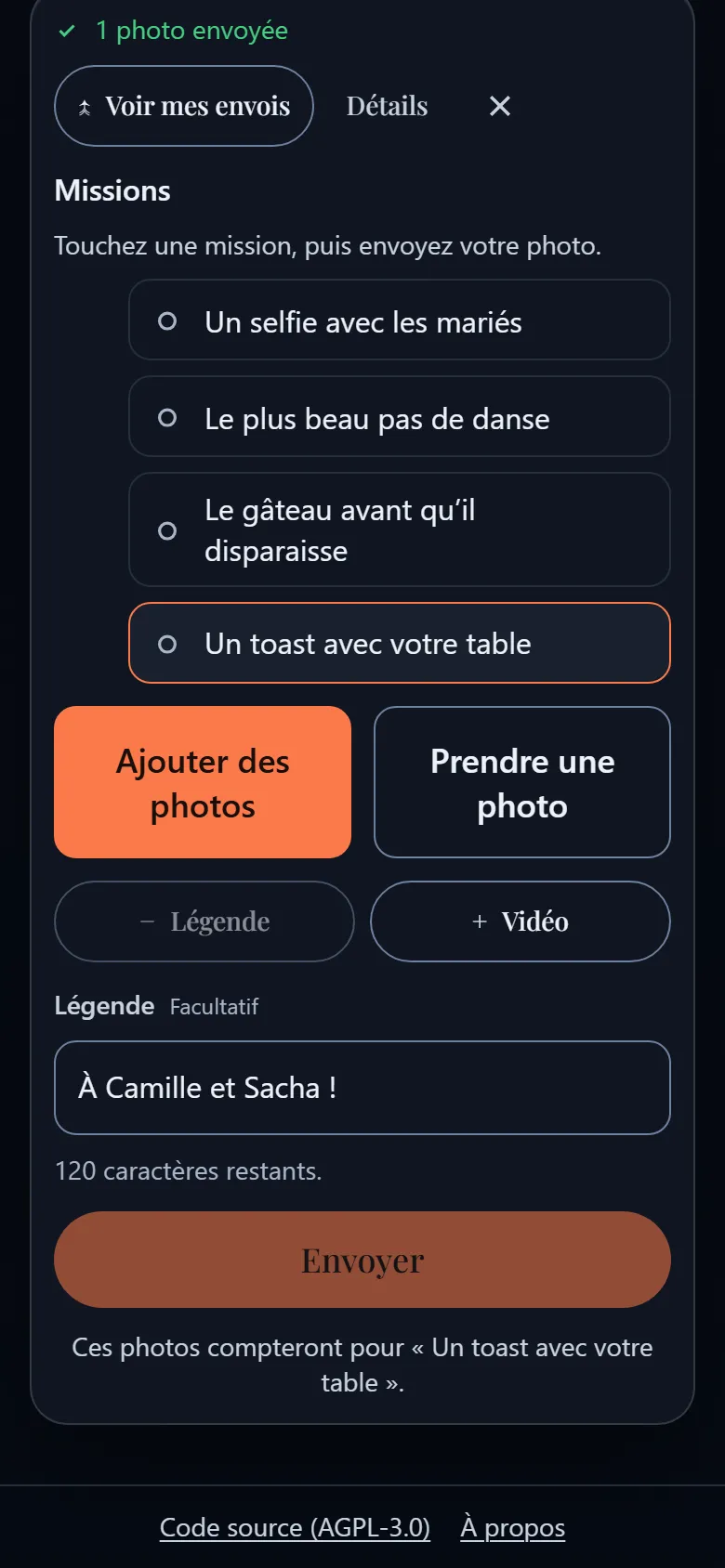
Photo missions to liven up the night
A mission is a challenge that shows on your guests’ phones, like a checklist. They pick one, take the photo, send it.
For a party, play on humour: the funnier the mission, the harder people look for it. The wall shows how many guests have already done each one.
Party missions
- The cake before it disappears
- The best dance move
- A selfie with the birthday star
- Someone laughing till they cry
- A toast with your table
Guest reactions
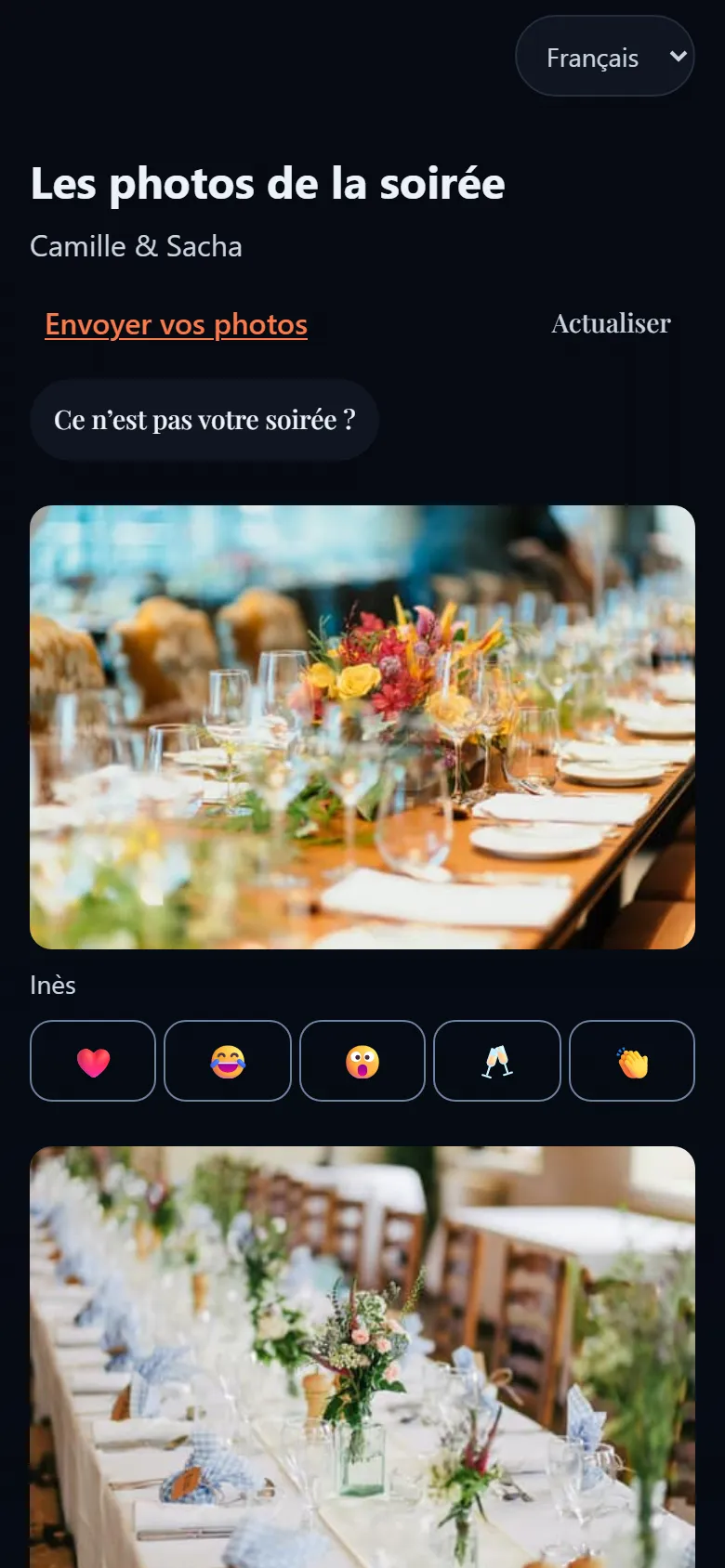
Everyone can react to other guests’ photos from their phone. A photo that makes people laugh keeps going when you see others enjoyed it.
The wall turns into a conversation: you send a photo, you look at others, you answer with a third.
For big occasions and small ones
The same wall, from drinks for twelve to a hired hall for a hundred.
A party at home
The wall is a web page: a computer connected to a screen or a projector is enough. Test with your own phone before the first guests ring the bell.
A hired hall
Ask for the Wi-Fi, a screen or a projector, and who plugs it in. If the network is flaky, uploads wait on the phones and go out by themselves.
A big crowd
The more people, the more photos. On a computer you work through the queue by keyboard and bulk actions; on a phone you swipe. Pick a friend to approve while you enjoy the party.
A surprise
Keep the QR code hidden until the guest of honour arrives, then let the guests tell the story of the surprise themselves.
Get the photos the next day
Create a shared gallery from the event page and send a single link. The photos are in full resolution, without their location data, to download one by one or as a ZIP file.
The link expires on the date you choose and can be protected with a password.
- One link
- ZIP file
- Expiry date
- Optional password
Party questions
Do we need a big screen?
You need a screen or a projector that everyone can see, connected to a computer that shows the wall. Try it before the day to pick the right layout.
Does every guest have to scan?
No. Those who would rather watch do not have to. A six-character code also shows in a corner of the wall: a guest can join without scanning.
Can we remove an embarrassing photo?
Yes. Nothing appears without your approval, and a photo already on screen can be taken off the screen from the moderation console.
Is it free for a birthday?
Our hosted service is free, by invitation. Request access, or install the software yourself if you are comfortable with servers.
Another occasion?
Each occasion has its own advice.
A wedding
The photos the photographer did not take.
Photo wall for a weddingA corporate event
A simple activity, and you stay in control of the screen.
Photo wall for a corporate eventAn association
A shared memory for volunteers and members.
Photo wall for an association
Guides and useful pages
Ready for your next party?
Ask for access to our hosted service: free, by invitation.
Comfortable with servers?Host EventSlide yourself