The photo wall your guests fill with their photos, live
Your guests scan a QR code with their phone, send their photos and videos, and everything appears on your screen during the party. No app to install, no account to create.
Request access See how it works
Our hosted service is free, by invitation.
See it in action
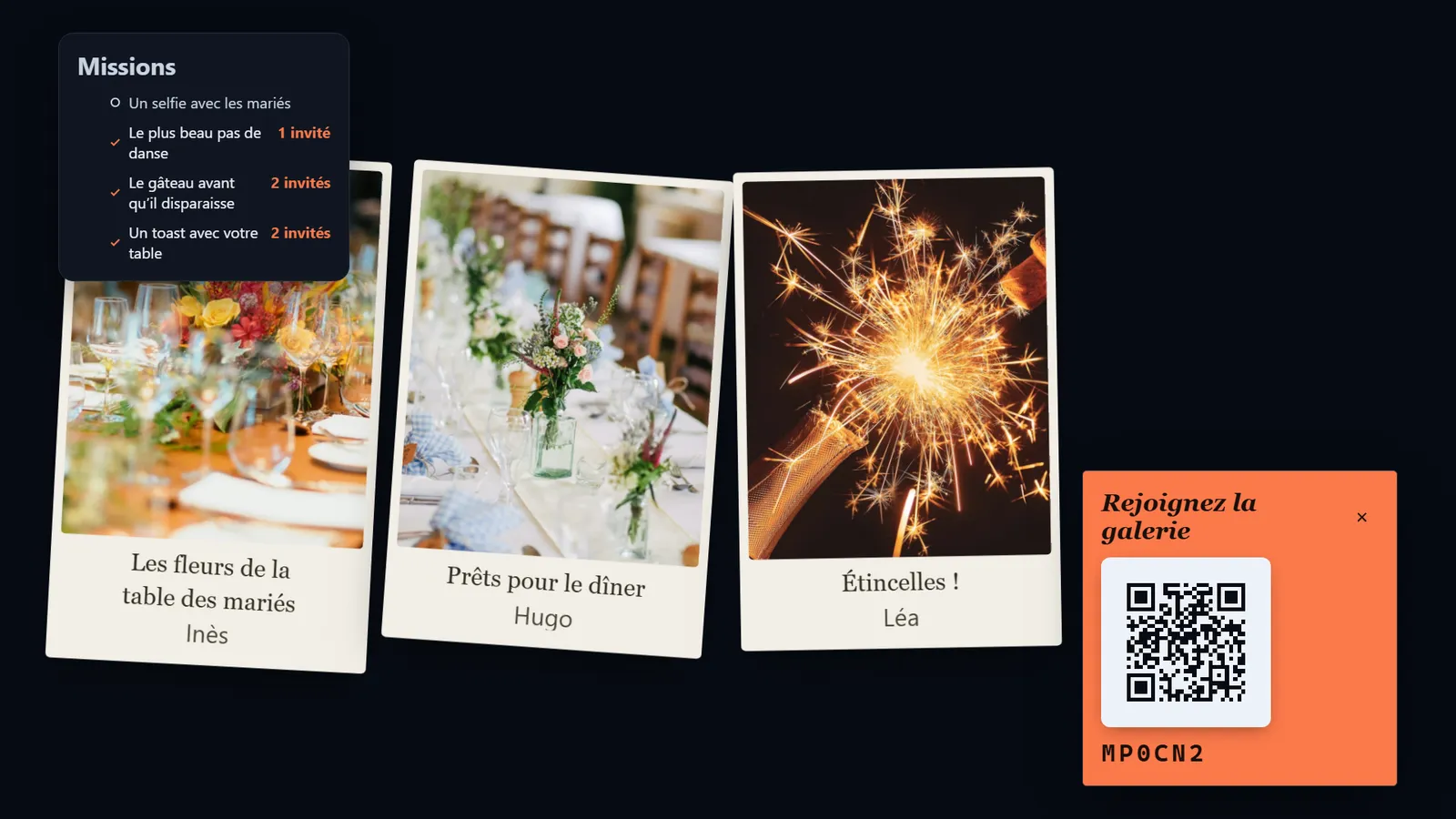
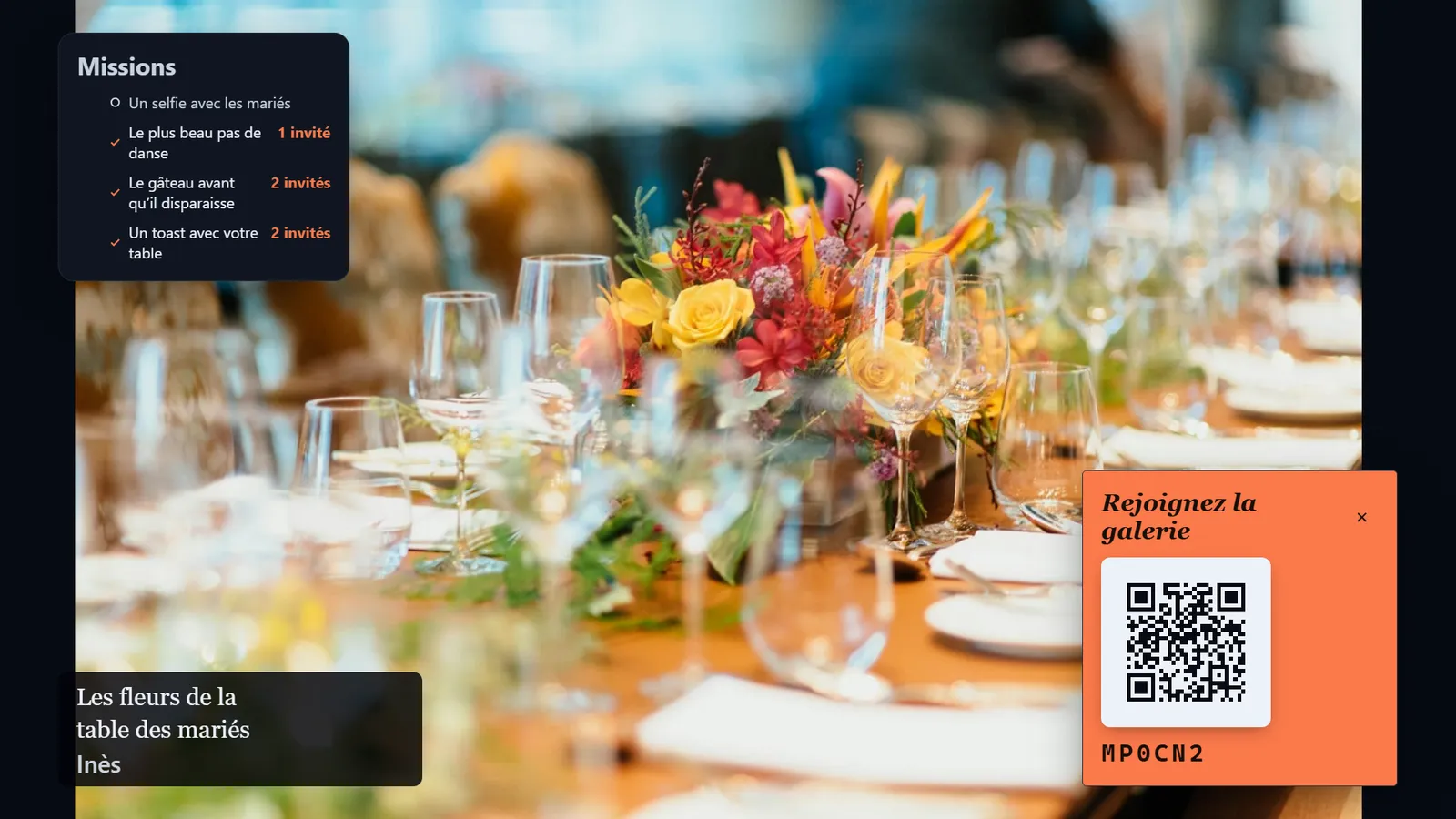
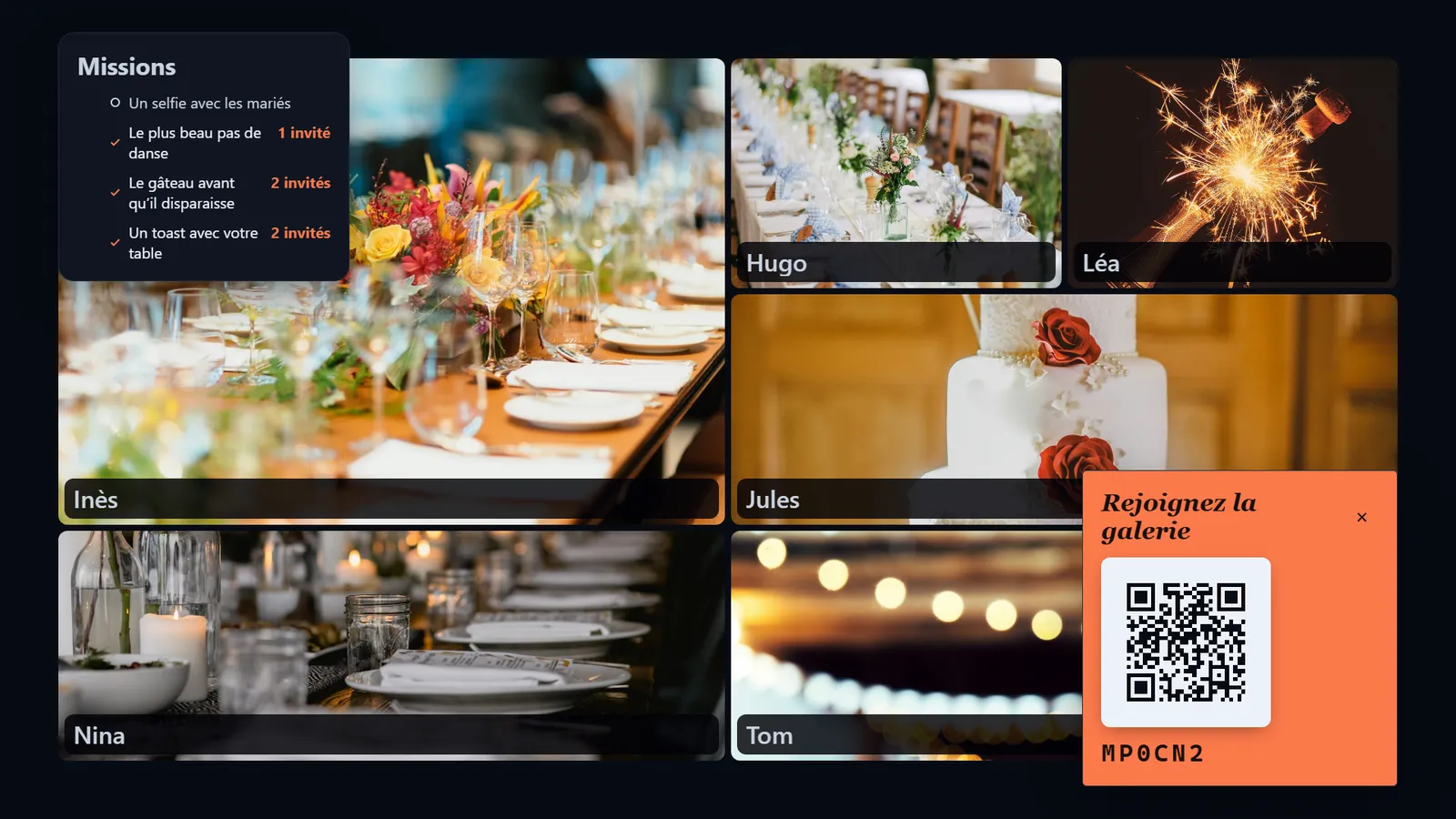
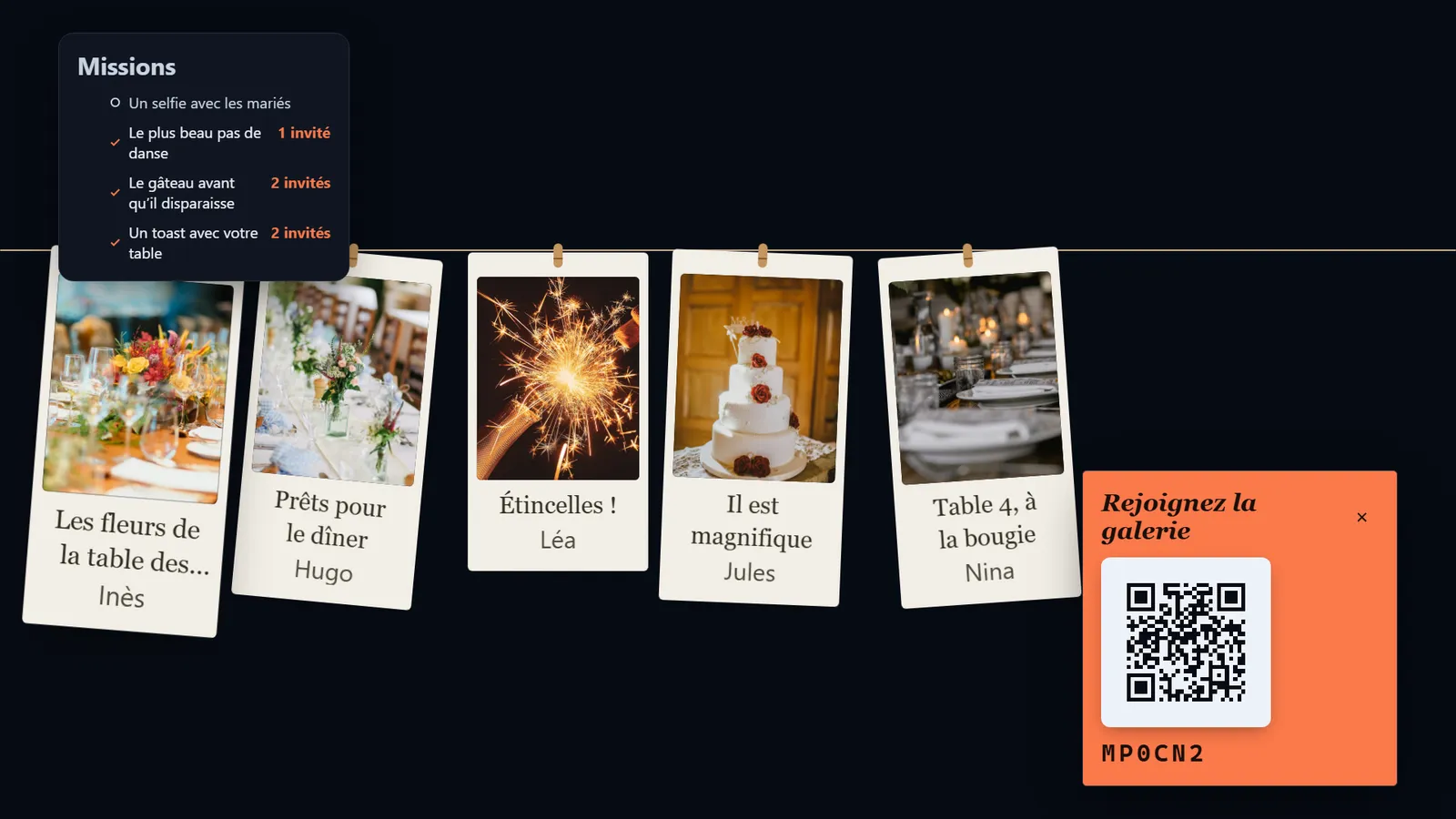
An example of a photo wall, as your guests will see it on the venue’s screen.
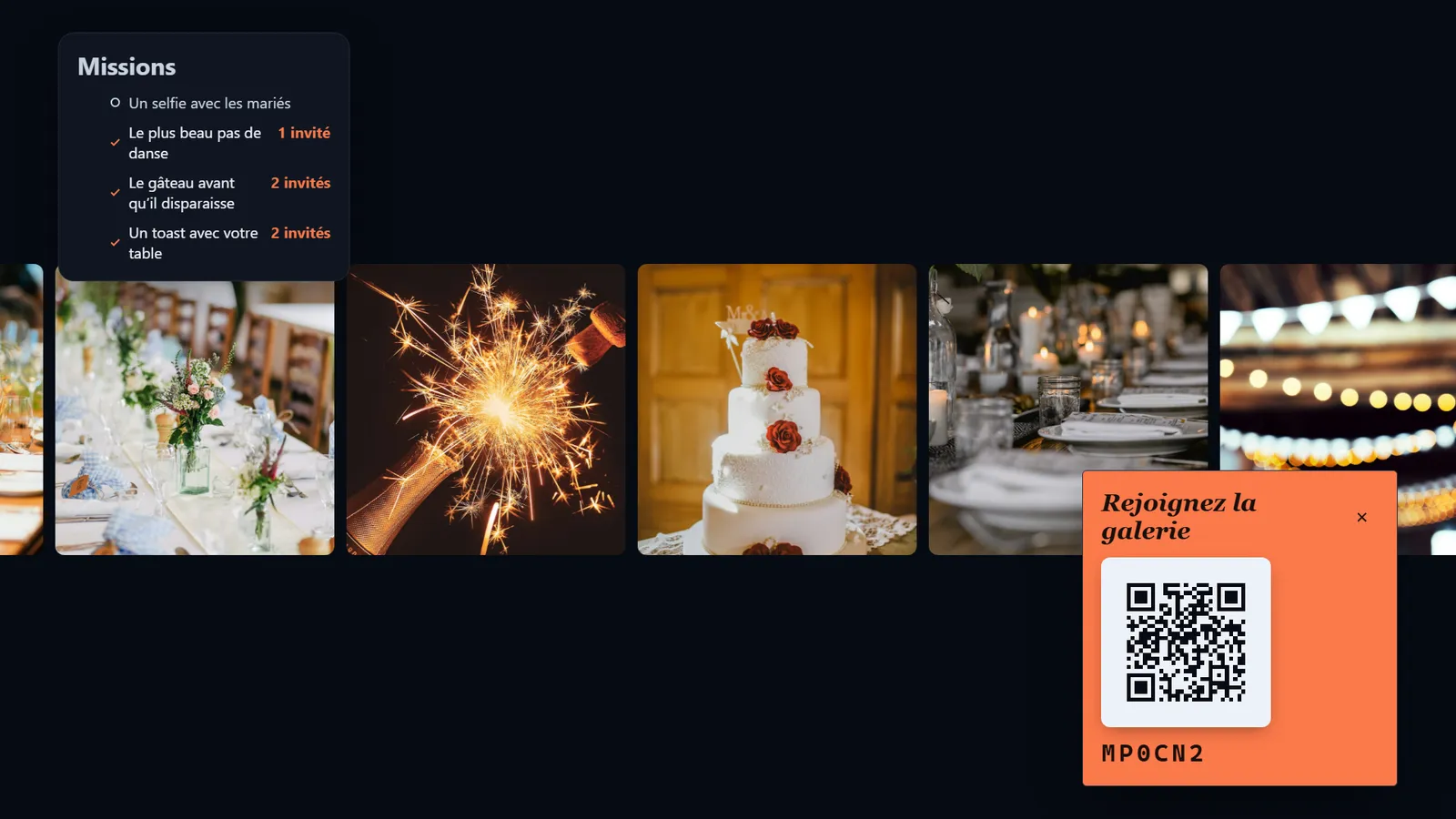
How it works
1. Your guests scan
A QR code sits on the tables or is shown on the screen. They open their phone’s camera and point it at the code.
2. They send their photos
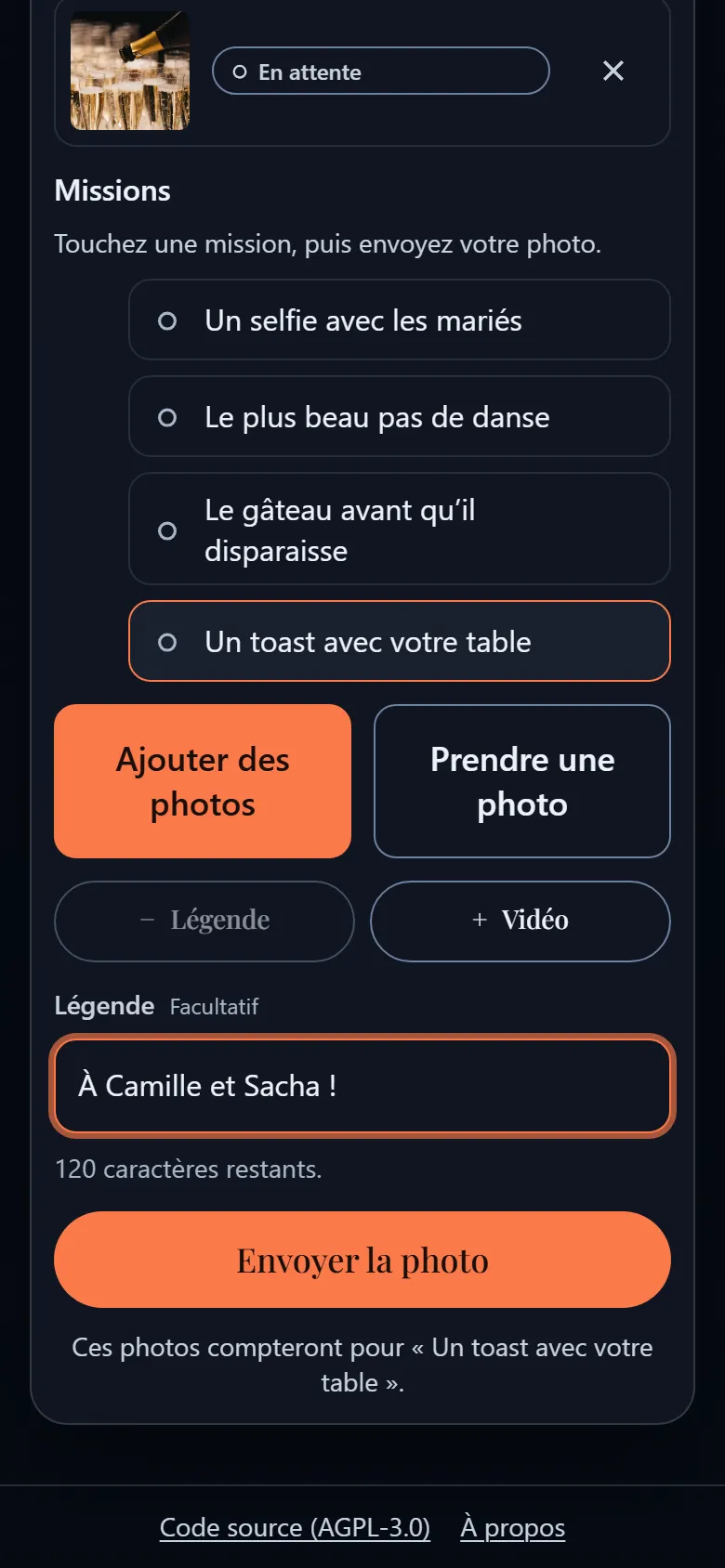
Photos and short 15-second videos, straight from the browser. If the venue’s Wi-Fi is weak, uploads wait and resume on their own.
3. It appears on your screen
The photos play as a slideshow on the screen or projector, once you have approved them.
You decide what goes on screen
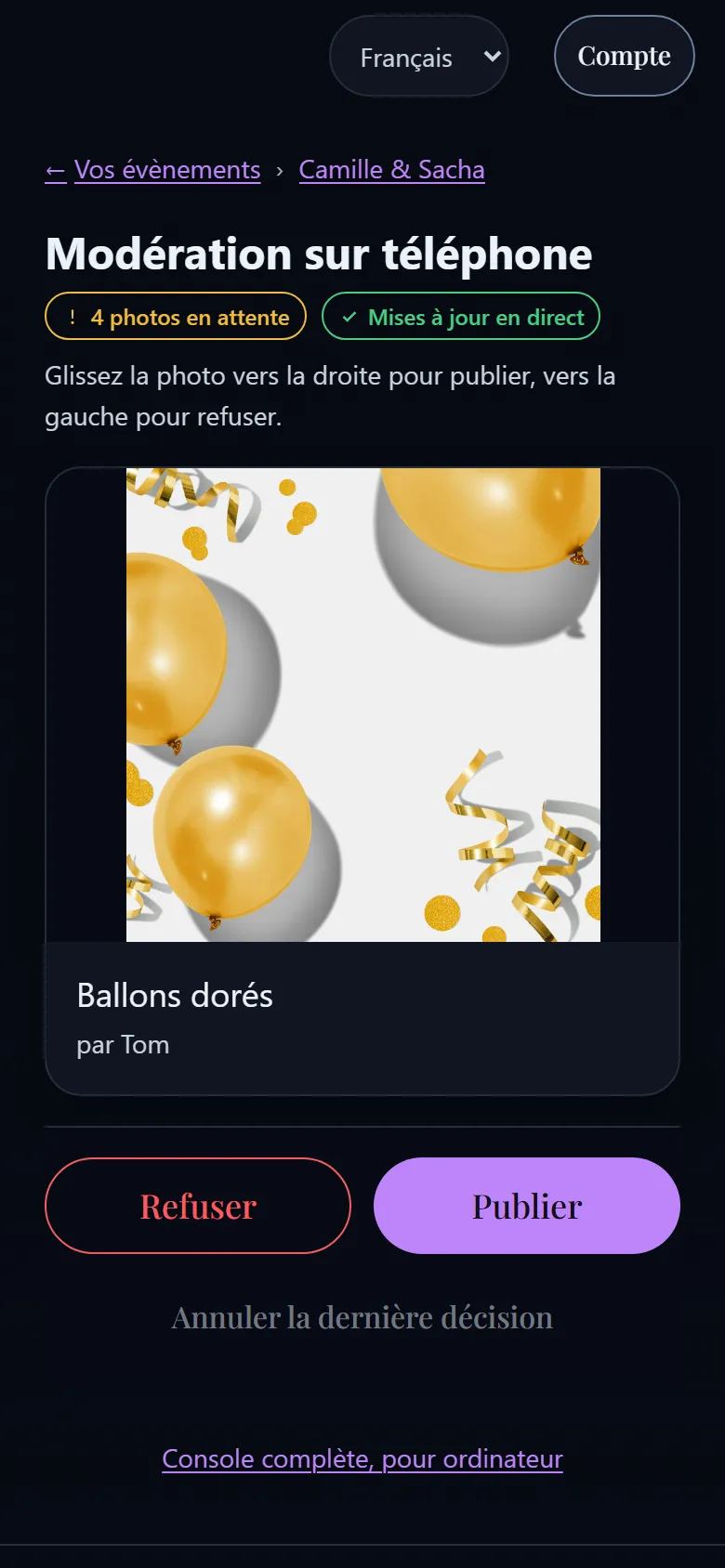
Nothing appears on the screen without your approval. You accept or refuse photos from your phone with a swipe, without leaving the party.
Swipe right to publish, left to refuse.
For every kind of party
Weddings
Every photo your guests take, not only the photographer’s.
Photo wall for a weddingBirthdays and parties
The best moments of the night, live.
Photo wall for a birthdayCorporate events
A simple activity for your teams or your clients.
Photo wall for a corporate eventAssociations
A shared memory for your volunteers and members.
Photo wall for an association
A wall that looks like each evening
Seven ways to show the photos: one at a time, mosaic, polaroid, film strip, collage, split screen or clothesline. Each evening has its own look, chosen from several, or one you make yourself.
- One at a time
- Mosaic
- Polaroid
- Film strip
- Collage
- Split screen
- Clothesline
To get the party going, set photo missions: a list of challenges that appears on your guests’ phones. They can also react to each other’s photos.
Example missions
- The best dance move
- The cake before it disappears
- A toast with your table
- A selfie with the couple
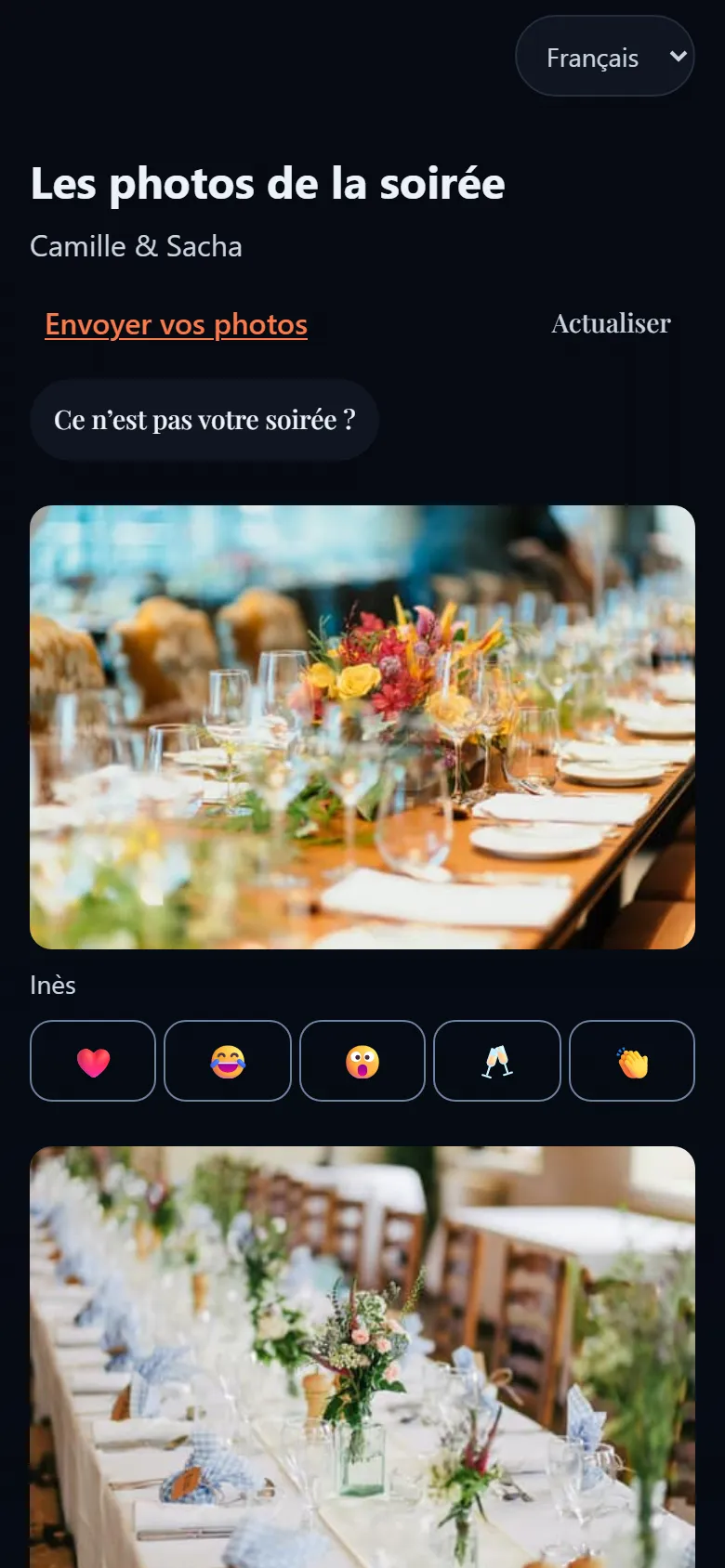
Get every photo back after the party
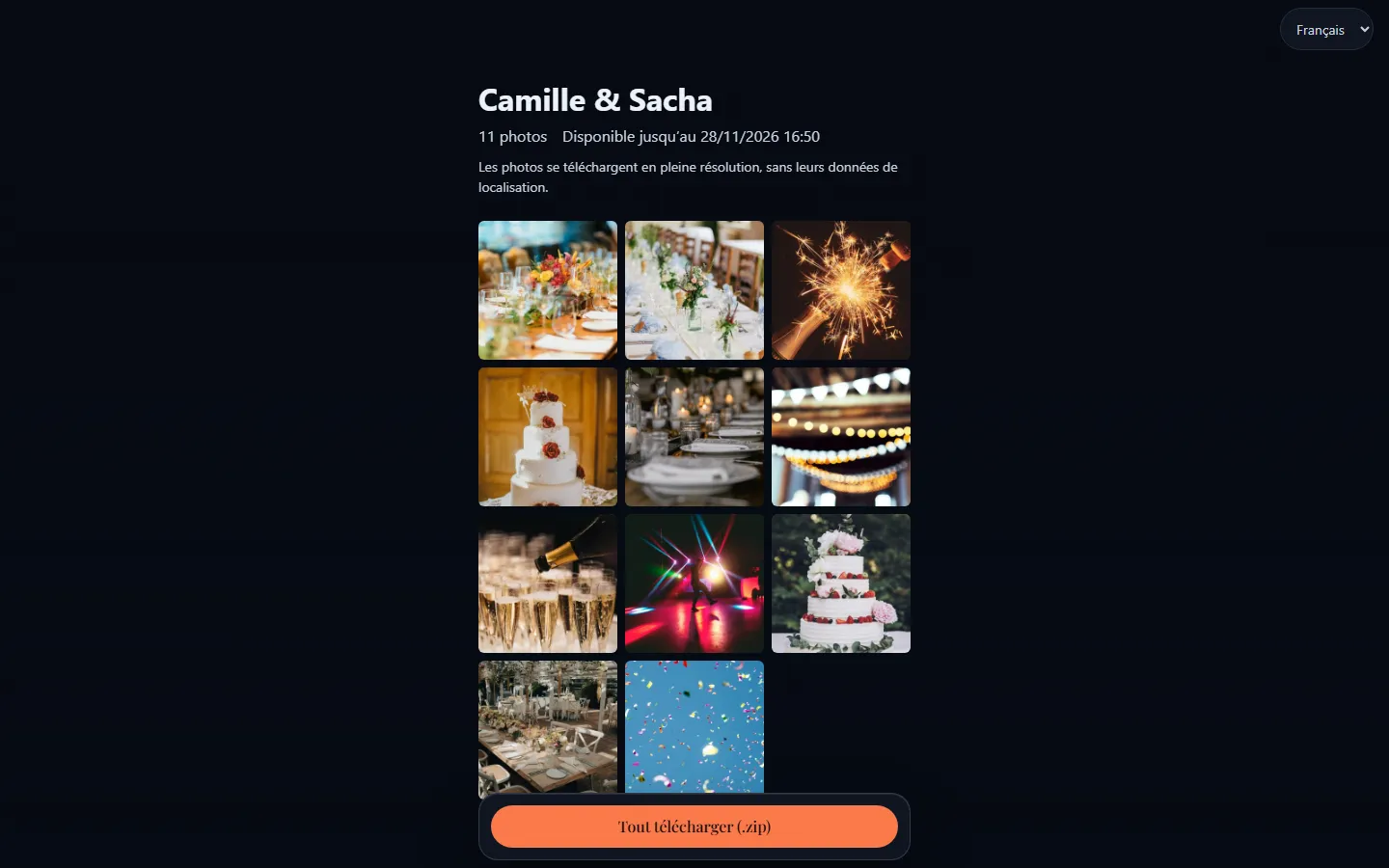
A shared gallery gathers every memory. One link to send, a full-resolution download of everything, an expiry date and, if you like, a password.
- One link
- Full resolution
- Expiry date
- Optional password
Your photos stay yours
Hosted in France, by OVHcloud.
No advertising and your photos are never sold.
Location and hidden device data removed: the location stored inside photos is erased as soon as they arrive.
Free software: its code is public and anyone can check it. You can even install it yourself: how to host EventSlide yourself.
In five languages: French, English, German, Spanish and Italian.
Your questions
Do my guests need to install an app?
No. They scan the QR code with their phone’s camera and send their photos from the browser. No account is needed.
Can I choose what appears on screen?
Yes. By default nothing appears without your approval: you accept or refuse each upload, from your phone with a swipe if you like. For a small party among close friends, you can also choose to publish automatically.
Can guests send videos?
Yes, short 15-second videos. They play without sound on the wall, since the room already has its music.
What if the venue’s Wi-Fi is weak?
Uploads are queued and retried automatically until they go through.
How do we get the photos after the party?
Through a shared gallery: one link to send, a full-resolution download of everything, an expiry date and an optional password.
Does it cost anything?
Our hosted service is free, by invitation. The software is free too: you can also install it yourself. Donations are planned but not open yet.
Ready for your next party?
Ask for access to our hosted service: free, by invitation.
Comfortable with servers?Host EventSlide yourself